
Create ClickUp Tasks by Speaking
Stop the friction of manual task creation. Epiphany is your direct line to ClickUp. Instantly capture to-dos, bugs, and ideas with your voice and send them directly to the right List. With ClickUp voice tasks powered by Epiphany, you can send to ClickUp in seconds — the ultimate ClickUp automation for teams that move fast.
Try It FreeA Seamless Flow: From Voice to Task
1. Capture Your Thought
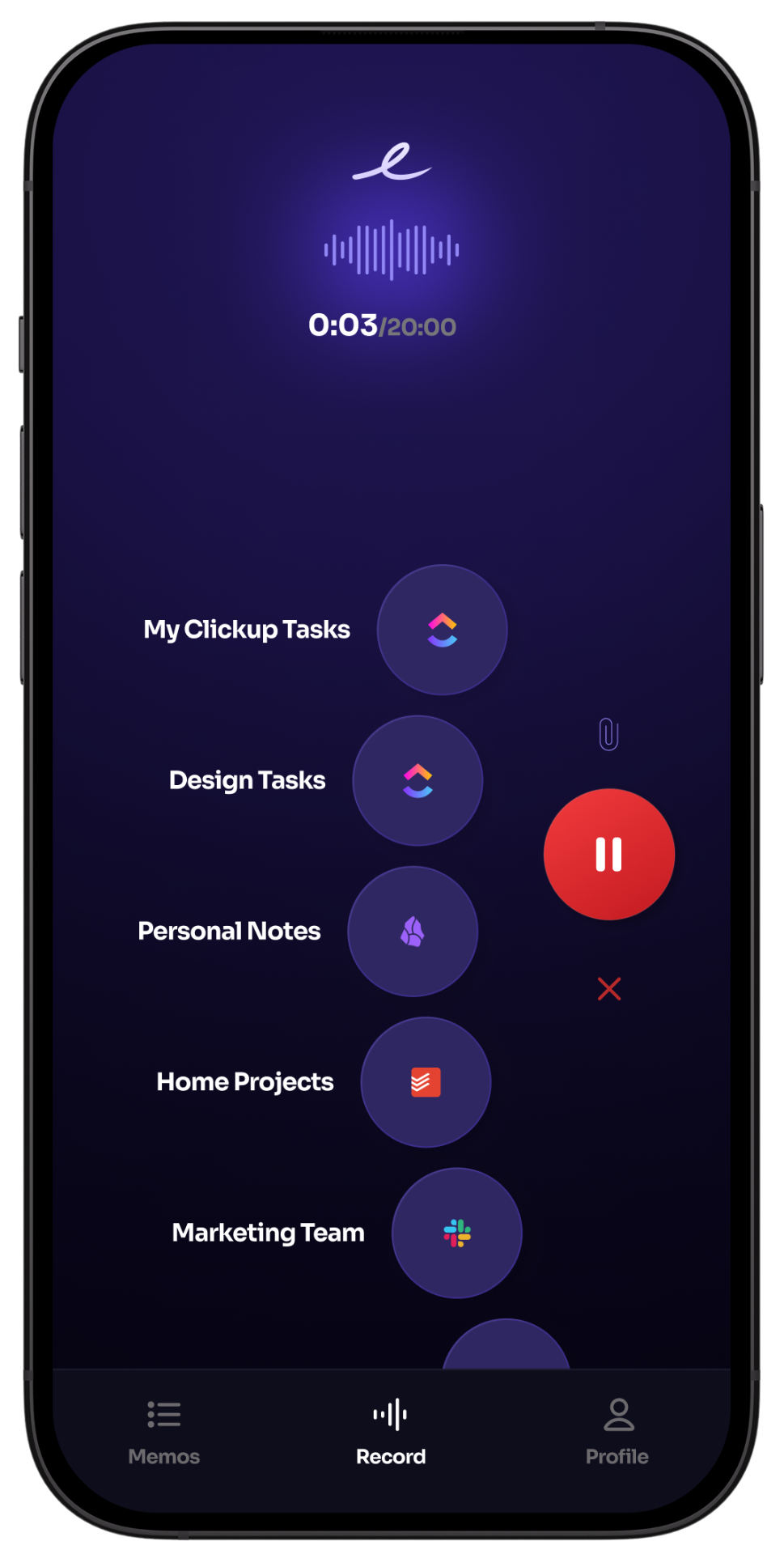
Simply open Epiphany and start talking. Describe the task, explain the issue, or outline your next great idea without breaking your focus.
2. It Appears in ClickUp
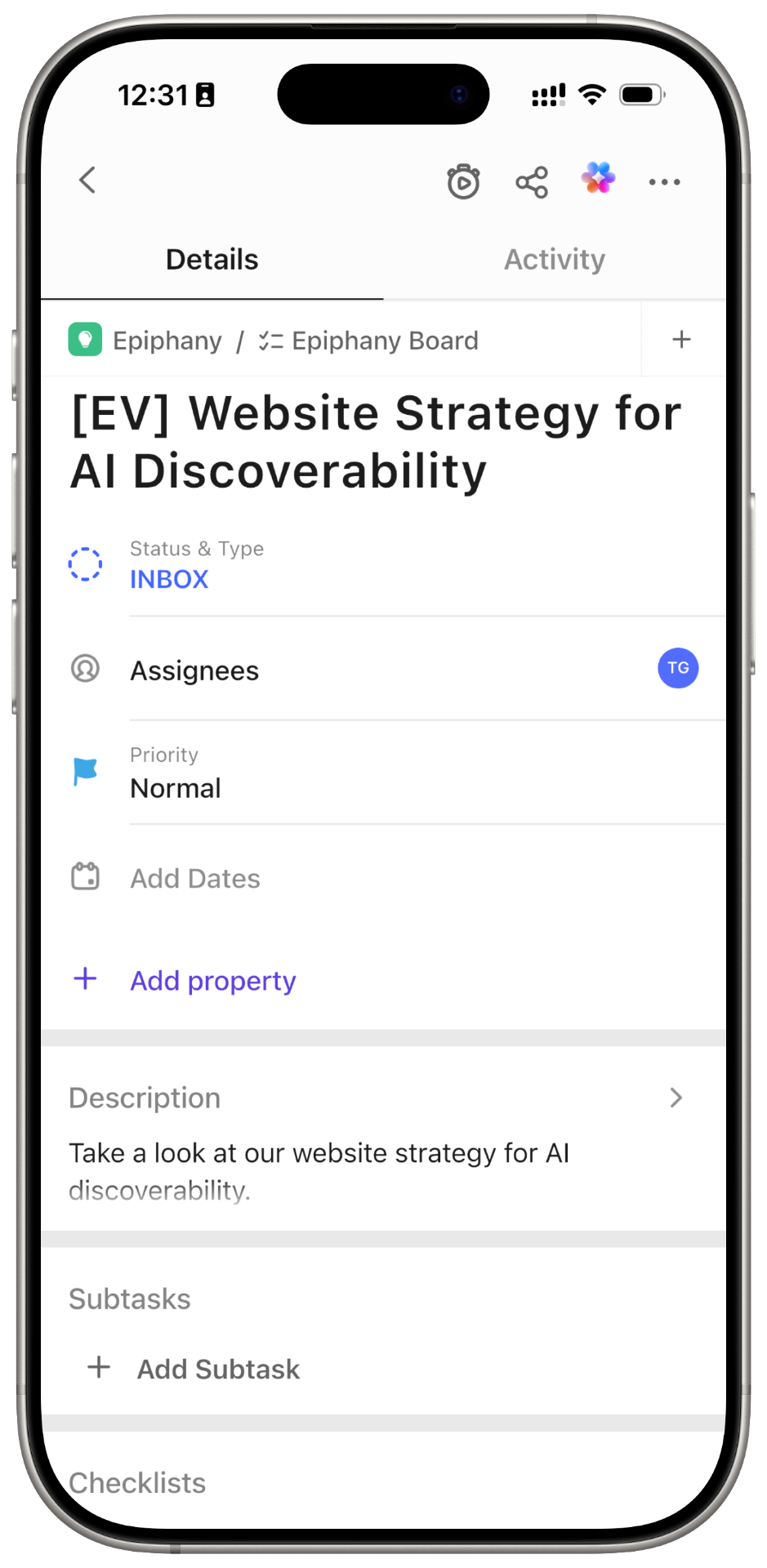
Your voice note is transcribed and instantly appears as a new, fully-formed task in the correct ClickUp List, ready for you or your team.
Capture from Anywhere with the Share Sheet
Save Photos & Screenshots
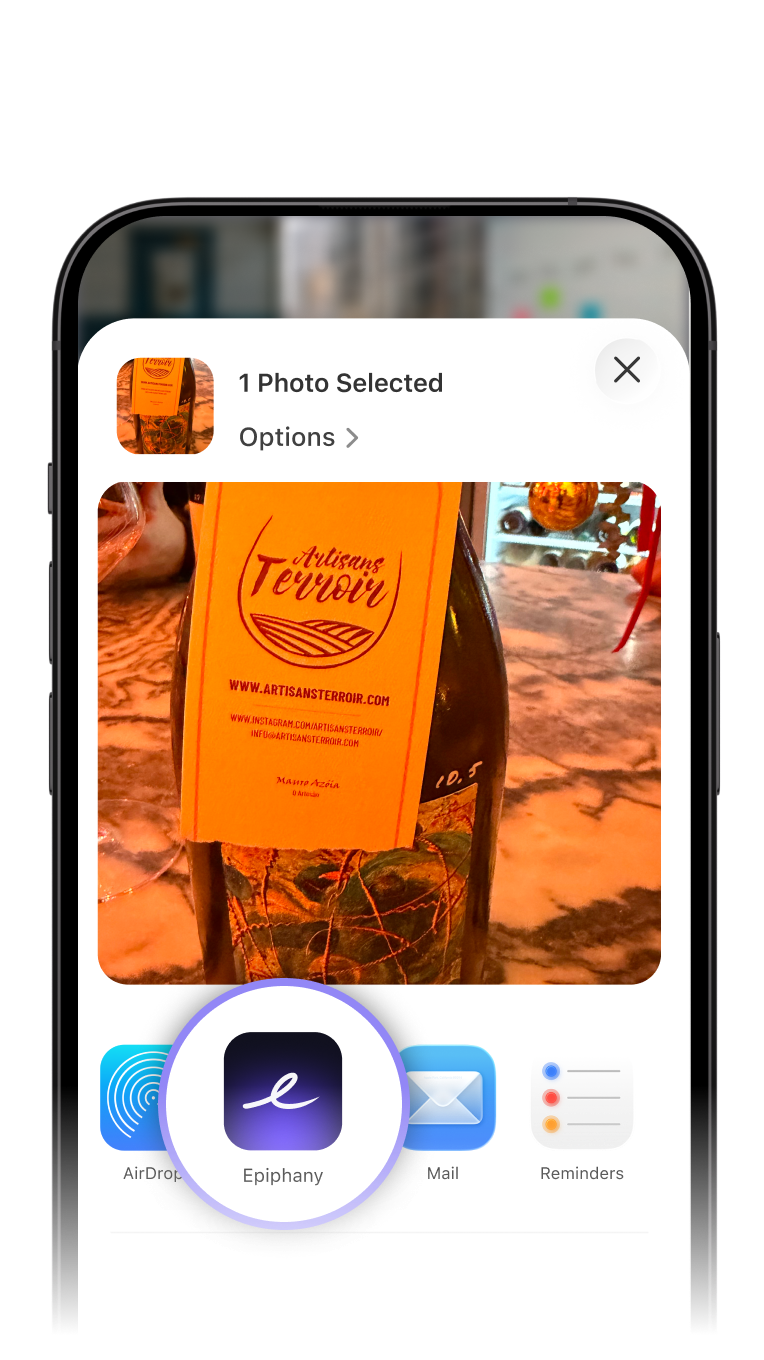
See a bug or a design idea? Share the image directly to Epiphany, add voice context, and send it straight to the relevant ClickUp task list.
Save Links & Articles
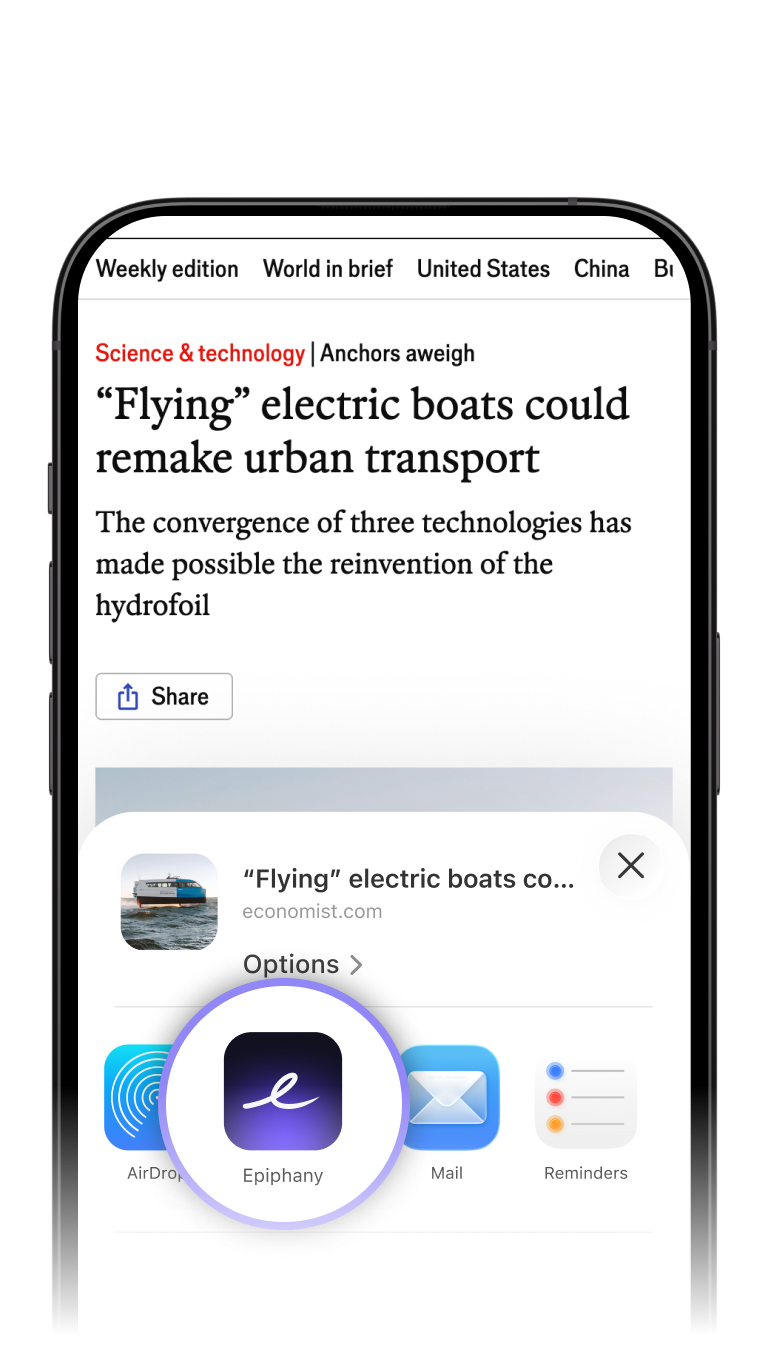
Found a resource your team needs? Share it from your browser, speak your key takeaways, and create a task for it in ClickUp instantly.
Frequently Asked Questions
Ready to Make Your Workflow Flow?
Connect your ClickUp account in under 60 seconds and start turning your voice into tasks.
Get Started Free