
The Fastest Way to Add Tasks to Todoist
Don't let a good idea or a critical to-do get lost because you didn't want to stop and type it out. Epiphany lets you speak your Todoist voice tasks and have them appear instantly in your inbox, so you can stay focused on what you're doing. The ultimate tool for your Todoist GTD workflow — just speak and add to Todoist in seconds.
Try It FreeFrom Voice to To-Do in 2 Taps
1. Speak Your Task
Just open Epiphany and start talking. Say 'Follow up on the Q3 budget' or 'Pick up milk on the way home.'
2. It's in Your Inbox
Tap your Todoist Action, and your transcribed task instantly appears in the right project, ready to be prioritized.
Capture from Anywhere with the Share Sheet
Save Visual Reminders
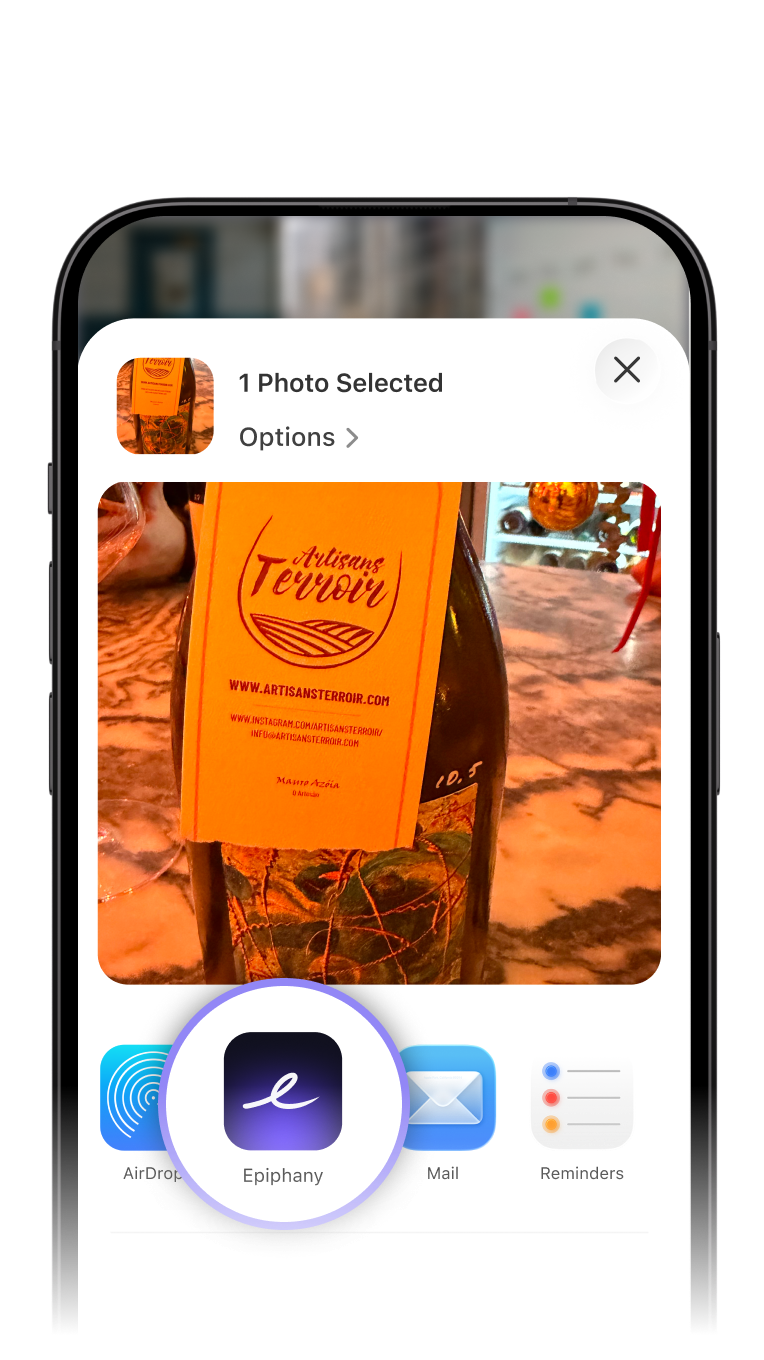
Snap a photo of something you need to act on. Share it to Epiphany, add voice context, and send it as a task to Todoist.
Turn Websites into Tasks
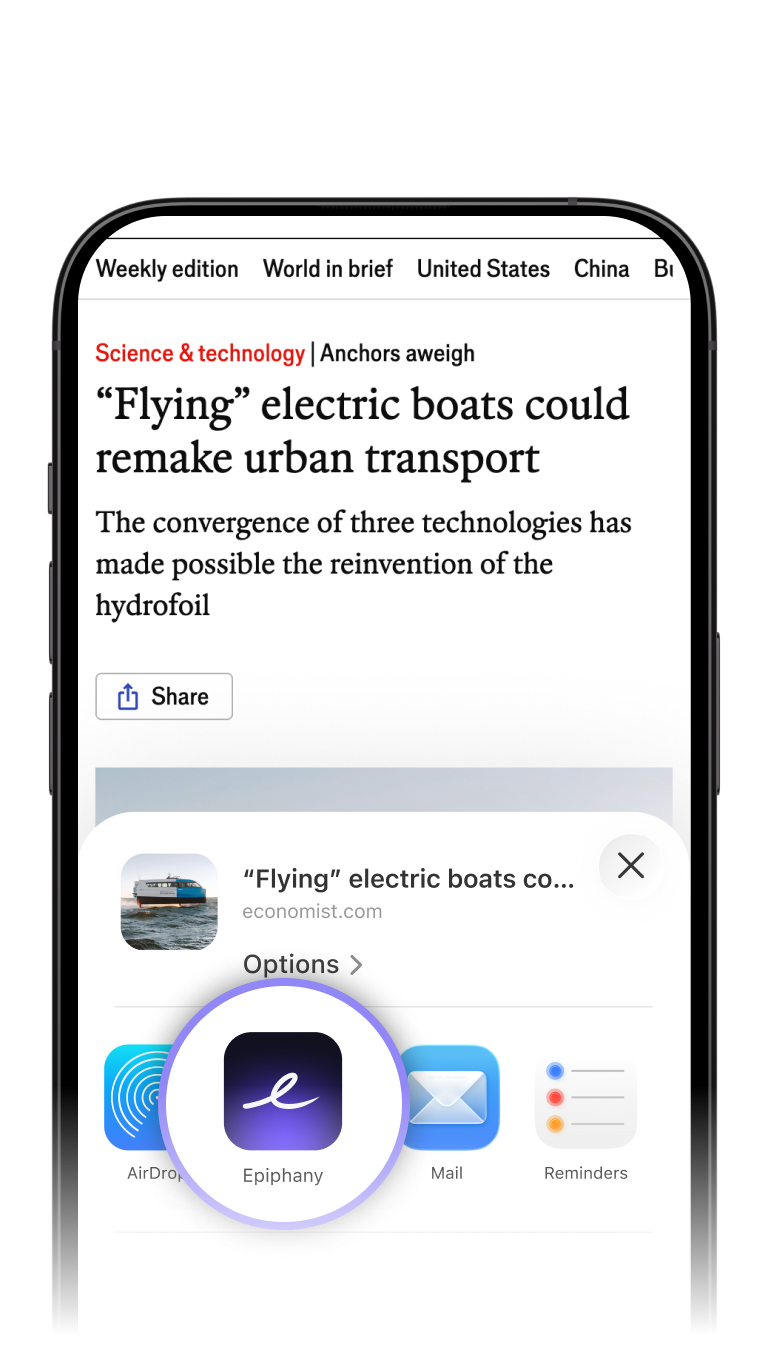
Found an article to read later or a link to review? Share it from your browser, speak a quick note, and create a task in your Todoist inbox instantly.
Frequently Asked Questions
Ready to Clear Your Mind?
Stop juggling mental to-dos. Connect your Todoist account in under 60 seconds and achieve inbox zero faster.
Get Started Free